
Automation
Custom Browser Solutions
Custom browser tools tailored to specific workflow needs, from DOM-level filtering to automated data extraction and privacy enhancement.
Service inclusions
- Chrome & Firefox extension development
- Workflow automation tools
- Content & privacy filtering
- TypeScript-based extension core
- Engagement
- 2–5 weeks per engagement
- Investment
- Project-based, typically $1.5k–$7k
Process
How the engagement runs
A short, written loop with a clear end-of-engagement artefact at every step.
- 01
Behaviour spec
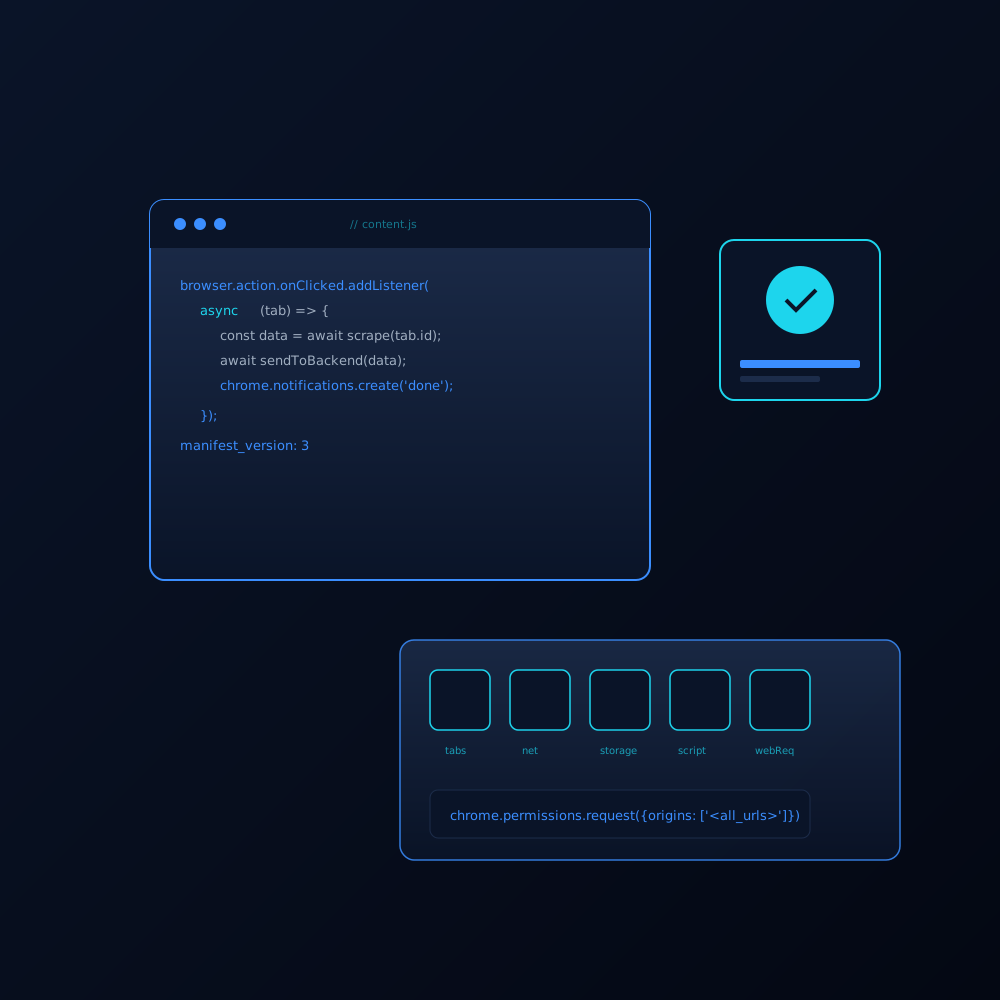
We agree on the exact behaviour the extension will and will not have, the sites it must work on, and the permissions it will request from the browser.
- 02
Prototype
A working prototype against your target site(s) so you can dogfood the workflow before we invest in polish and edge cases.
- 03
Build & review
The full extension is built in your repo, with a privacy policy, store listing copy, and screenshots ready for submission.
- 04
Submit & support
Submission to the Chrome Web Store and Firefox Add-ons, plus a 30-day window for store-review fixes and small UX tweaks.
Deliverables
What you walk away with
Concrete artefacts in your own repository, not slides that age out of relevance.
- Extension source in your Git repository
- Packaged build ready for store submission
- Privacy policy and store listing copy
- Submission to Chrome Web Store and Firefox Add-ons
- 30-day post-submission support window
Fit check
Is this the right engagement for you?
Good fit
- You have a workflow that runs entirely in the browser
- You want a privacy-respecting alternative to a SaaS tool
- You need DOM-level automation that no off-the-shelf tool offers
- You are comfortable shipping a small piece of software to a store
Probably not a fit
- You need a full cross-platform desktop application
- You want to scrape content behind a login in a way that violates the site ToS
- The "extension" is really a SaaS dashboard with a tiny browser surface
FAQ
Common questions
Do you publish under your account or mine?
Yours. Extensions live in your developer account on the Chrome Web Store and on addons.mozilla.org, so you own the distribution and the user list from day one.
How do you handle content scripts and permissions?
I write the smallest possible permission set. Most of my extensions ship with no `<all_urls>` permission and instead register against the specific host patterns the spec calls out.
Can you work on top of an existing extension?
Yes, after a short code review. I will quote a refactor first if the existing codebase has not been touched in a long time and the manifest version is behind.
What about the Firefox vs Chrome differences?
The Manifest V3 gap has narrowed, but there are still real differences. I always test on both browsers during the build phase and document any places where the behaviour diverges.
Ready when you are
Let's map your engagement
Share a short brief by email or WhatsApp and I will reply within one business day with a proposed scope and a time to talk.